When to use it
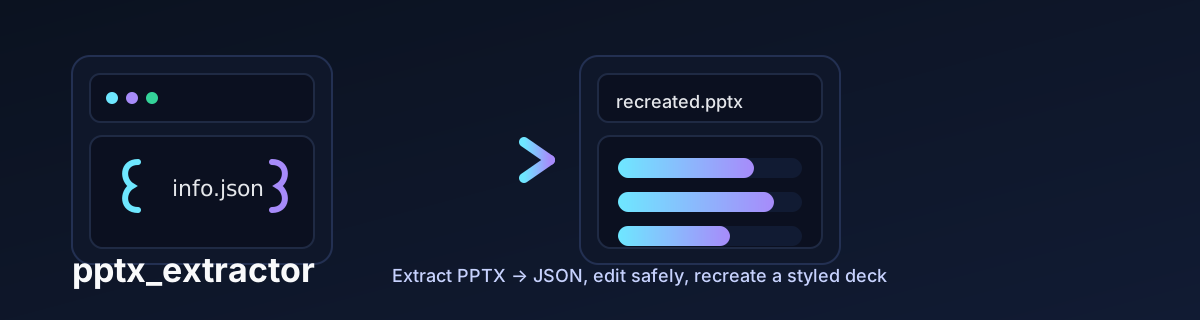
Make repeatable text changes to PowerPoint files or prepare structured presentation content for an AI-assisted editing workflow.
Get started
Requirements
Python 3.x and the repository dependencies. run.sh creates a virtual environment and installs dependencies.
Terminal
git clone https://github.com/taylorparsons/pptx_extractor.git
cd pptx_extractor
chmod +x run.sh
./run.sh ui
How to use
- Use the Extract tab to select a PPTX and an output directory.
- Edit the generated *_info.json file, then validate it in Validate / Filter JSON.
- Provide the original presentation as the template in Recreate to retain its styling and supported SmartArt.
- Open the recreated PPTX and inspect the slides. CLI: ./run.sh <pptx_path> <output_dir> --extract or --recreate.
Under the hood
The tool extracts and recreates presentation structures. It does not itself require an LLM. Preserve the original file and inspect the recreated deck before using it.
Open source recognition
Meet the maintainers and contributors, view dependency sources, and read original license notices ↗
Source documentation
Setup instructions are taken from the public repository. Dependencies, API availability, and scripts can change; check the source README for updates.
Questions or issues ↗